
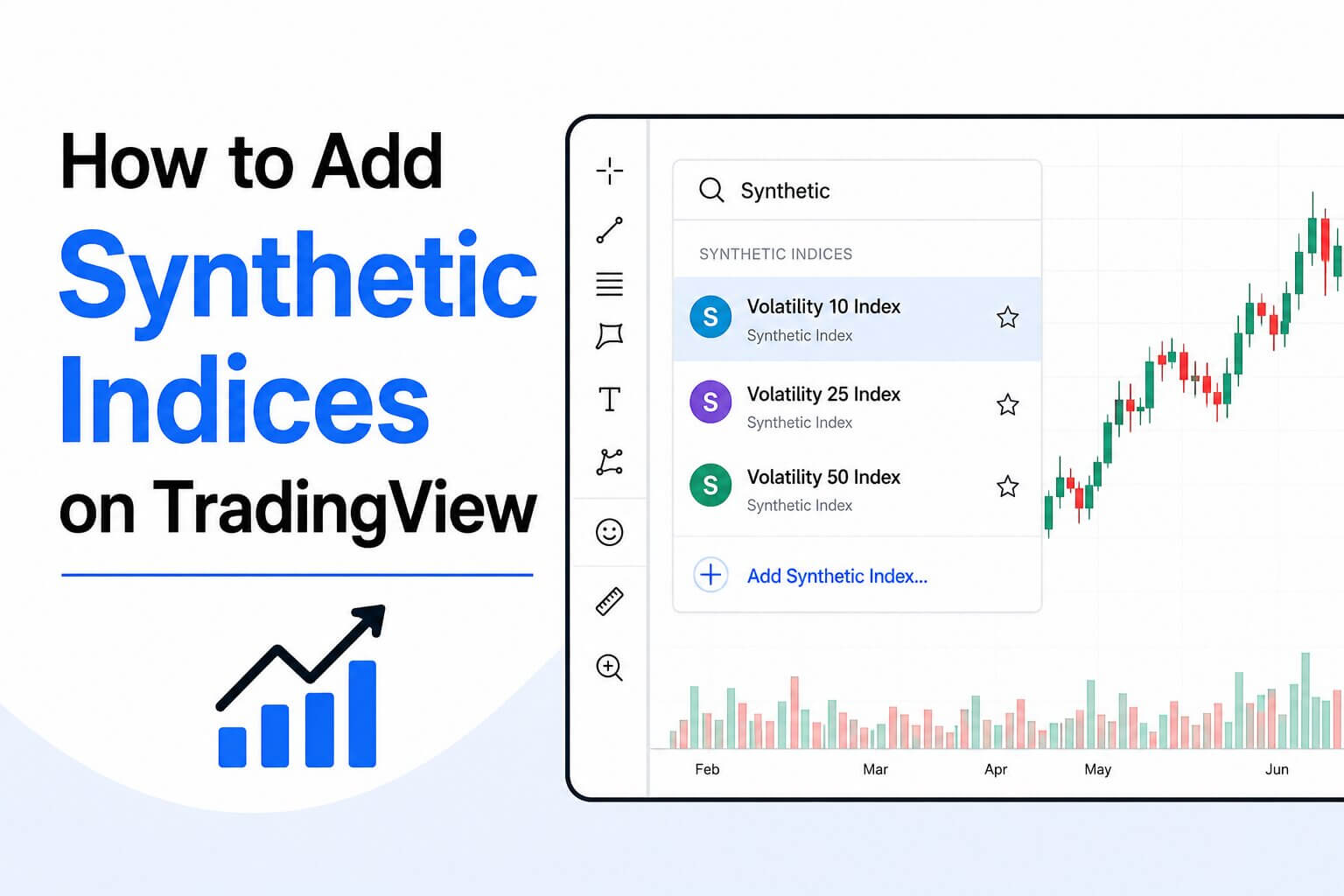
TradingView is a popular charting platform that provides advanced technical analysis tools, custom indicators, and an intuitive interface. Those who specialize in synthetic indices may wonder if TradingView does synthetic instruments or not. Knowing this key information can help you choose the right tools for your trading strategy. This post will discuss more about Tradingview and how to add synthetic indices on the platform.
Does TradingView Have Synthetic Indices?
TradingView does not officially list synthetic indices such as Volatility Indices, Boom and Crash, Jump Indices, or Step Index as built-in symbols. These markets are offered by specific brokers rather than traditional financial exchanges, so their availability depends on whether a broker provides a compatible TradingView data feed or integration. This means you cannot simply type “Volatility 75” or “Boom 1000” into TradingView’s search bar and expect the symbols to appear on the standard platform.
How to Add Synthetic Indices on TradingView
While TradingView does not directly support synthetic indices, there are still ways to use its powerful charting tools. Here are some strategies to do that like a pro:
- Use a Broker That Supports TradingView
Some brokers integrate TradingView charts directly into their trading platforms. If your broker offers synthetic indices alongside TradingView charts, simply log into your trading account and launch the TradingView chart from within the broker’s platform. The synthetic instruments supported by that broker may already be available.
- Connect Your Trading Account
If your broker supports TradingView integration, connect your account by selecting the broker from TradingView’s trading panel. Once connected, any supported synthetic indices may become available for analysis and trading.
- Save Your Favorite Charts
After opening your preferred synthetic index, save it to your watchlist for quick access. You can also save chart layouts with your indicators, drawing tools, and preferred timeframes.
- Apply Technical Indicators
TradingView offers hundreds of built-in indicators, including Moving Averages, RSI, and MACD. These tools can improve your market analysis if your broker supplies compatible synthetic index data.
- Use Alerts
One of TradingView’s strongest features is customizable price alerts. Once your synthetic index is available through your broker, you can create alerts based on price levels, indicator signals, or trendline breaks to avoid constantly monitoring the charts.
Where to Learn More About Synthetic Indices
Those who are new to synthetic indices or want to improve their trading knowledge often want to understand how these markets work, their volatility characteristics, risk management techniques, and broker compatibility.
One of the best educational resources is Syntxwiki, which provides detailed guides on synthetic indices, trading strategies, platform comparisons, and beginner-friendly tutorials. You can read more about this on their website.
Whether you’re learning about Volatility Indices, Boom and Crash, or advanced trading techniques, you will discover valuable information to help you become a more informed trader.
To sum up this article, TradingView does have synthetic indices by default. However, if your broker supports TradingView integration, you can access and analyze synthetic indices using TradingView’s professional charting tools. Using a compatible broker with TradingView’s advanced features allows traders to enjoy high-quality technical analysis while trading these unique markets. For comprehensive guides, educational articles, and the latest information about synthetic indices, be sure to visit Syntxwiki, a trusted resource for traders looking to expand their knowledge and improve their trading skills.